
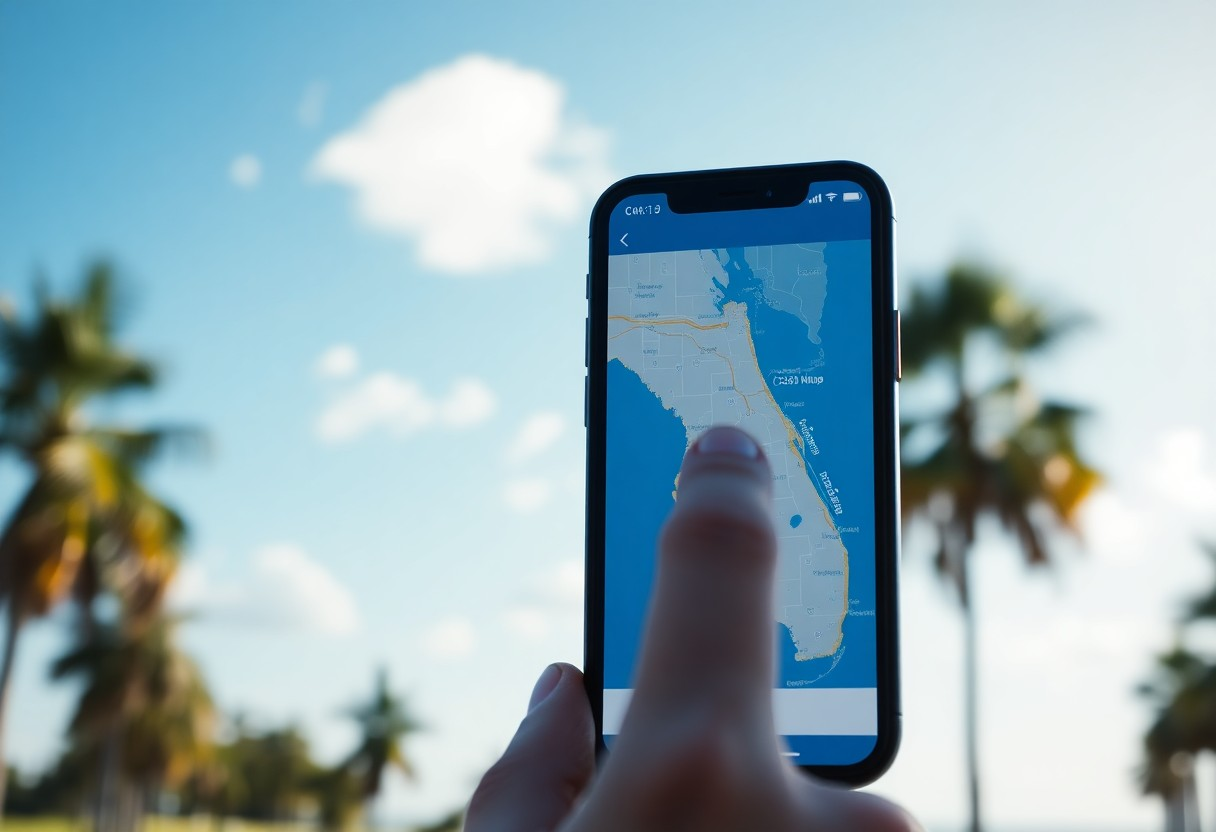
There’s a powerful tool at your fingertips that can transform the way you explore Florida’s parcel maps. By using a property lines app, you can easily access detailed information about land boundaries, ownership, and zoning regulations. This guide will walk you through the steps to effectively utilize this app, helping you gain insights into any parcel’s details, ensuring you make informed decisions whether for investment, development, or personal use.
Key Takeaways:
- Download a property lines app that covers Florida parcel maps.
- Utilize the app’s search feature to locate specific properties or areas.
- Use the map tools to view property boundaries and dimensions accurately.
- Access additional property information, such as ownership and zoning details.
- Explore nearby properties for comparative analysis and research.
Understanding Property Lines Apps
Definition and Purpose
Property lines apps are digital tools designed to help you accurately identify and visualize property boundaries. They utilize geographic information system (GIS) technology and mapping data to provide clear insights into land ownership and parcel dimensions, making them crucial for homeowners, buyers, and real estate professionals navigating Florida’s diverse landscapes.
Key Features to Look For
When identifying a property lines app, it’s important to evaluate specific features to ensure you have the best tools at your disposal. Look for applications that offer the following functionalities:
- High-resolution aerial imagery
- Interactive maps with zoom capabilities
- Boundary overlays and parcel information
- Measurement tools for distance and area
- Access to recent property sales data
- User-friendly interface for easy navigation
- Compatibility with various devices and operating systems
Recognizing these features will significantly enhance your ability to assess properties effectively, ensuring you make informed decisions regarding real estate transactions and land use.
Each of these features serves a distinct purpose in improving your experience with property lines apps. For example, aerial imagery provides a comprehensive view of the land, while boundary overlays help you visualize exact property lines. Access to real estate data can inform your buying or selling strategy, thus adding depth to your approach. Moreover, user-friendly interfaces ensure that you can quickly find necessary information, even if you’re not tech-savvy.
- Integration with local government data
- GPS location tracking for field visits
- Sharing capabilities with professionals or family
- Customization options for map views
- Offline access for fieldwork
Recognizing the significance of these additional features will enable you to choose a property lines app that best suits your unique needs in Florida’s real estate landscape.
How-To Download and Install a Property Lines App
To download and install a property lines app, simply visit the app store relevant to your device. Search for popular options like ‘LandGlide’ or ‘Parcelium,’ and select the app that best fits your needs and ratings. Tap ‘Download’ and follow the on-screen prompts to complete the installation. Once the app is installed, you can start exploring property lines in Florida right away.
Navigating the App Store
Finding the right property lines app in the app store is straightforward. Use keywords like “property lines” or “land mapping” in the search bar. You’ll see a list of apps with descriptions, user ratings, and screenshots. Look for highly rated options that showcase features important to you, like offline access or additional property details.
Setting Up Your Account
After installation, you’ll need to set up your account within the app. Typically, this involves providing your email address and creating a password. Some apps may offer the option to sign in using social media accounts, streamlining the process. Once your account is created, you can start saving your searches and preferences for future reference.
During account setup, select whether you want to receive notifications about updates and new features. This can enhance your experience and keep you informed of changes that may improve how you explore property lines. Additionally, some apps let you customize settings, such as measurement units or map views, tailoring the app to your preferences right from the start.
Tips for Using a Property Lines App Effectively
To maximize your experience with property lines apps, consider these tips:
- Always keep your location services enabled for accurate mapping.
- Familiarize yourself with the app’s features through tutorial videos or help sections.
- Utilize the search function to quickly find specific properties.
- Adjust map settings to view different layers, such as zoning and topography.
- Periodically check for app updates to ensure you have the latest features and data.
Knowing these tips will enhance your property exploration experience significantly.
Understanding the Interface
Take time to explore the app’s interface, as a user-friendly design will enable you to navigate maps, property lines, and tools with ease. Familiarize yourself with icons, buttons, and the layout for efficient use. Spend a few moments adjusting the settings to suit your preferences, ensuring a smooth exploration of Florida’s parcel maps.
Utilizing Mapping Tools
Make effective use of the mapping tools provided by the app to layer information and visualize property details. For example, utilize features that allow you to draw and mark areas, measure distances, or analyze nearby utilities and amenities.
By leveraging tools like distance measuring or area calculations, you can better assess property boundaries and proximity to important landmarks. This capability is imperative if you’re planning to purchase or develop land. You may also find it helpful to toggle between satellite imagery and street maps, allowing you to gain different perspectives and inform your decisions effectively.
Factors to Consider When Exploring Florida Parcel Maps
When delving into Florida parcel maps, several important factors will enhance your understanding and decision-making process. Consider the following aspects before proceeding:
- Accuracy and updates of the map data
- Accessibility of property lines
- Topographical features and land use
- Nearby amenities and infrastructure
- Potential environmental concerns
After evaluating these factors, you’ll gain a comprehensive view of the parcel’s value and potential.
Legal Implications of Property Lines
Understanding the legal implications of property lines is necessary before undertaking any real estate actions. Encroachments, easements, and boundary disputes can lead to potential legal issues that may affect your property rights. Familiarize yourself with existing agreements or restrictions that may govern the use and ownership of the parcel.
Local Zoning Laws and Regulations
Local zoning laws and regulations play a vital role in how you can utilize a parcel of land. Each municipality in Florida has specific zoning classifications that dictate permissible land uses, building heights, and setbacks. You should investigate the zoning designations of your target parcel to ensure compliance and avoid future penalties.
For example, commercial zoning may limit residential development, while agricultural zoning could hinder non-farming activities. Knowledge of these regulations can save you time and resources in the planning stages of your project. Local planning boards also provide public access to zoning maps and ongoing updates, helping you stay informed about any changes or proposed developments within the area.
Advanced Features and Functions
Utilizing advanced features within property lines apps can greatly enhance your mapping experience. These functions allow you to tailor your usage to your specific needs, making navigation and analysis much easier.
- Integrated GIS data for in-depth analysis
- Customizable map layers for targeted exploration
- GPS tracking for real-time location
- Property valuation estimates for informed decision-making
- Historical data viewing for property trends
| Advanced Function | Description |
|---|---|
| GIS Data | Access detailed geographical information overlays. |
| Custom Layers | Create and save personal map configurations. |
| GPS Tracking | Pinpoint your location on the map as you explore. |
| Valuation Estimates | Get insights into property market values. |
| Historical Data | Analyze past trends for better forecasting. |
Overlaying Additional Data
Overlaying additional data can provide crucial context for your property analysis. By integrating information such as zoning laws, utility locations, or flood zones, you gain a comprehensive understanding of the area and its regulations. This added layer enhances your ability to make informed decisions about buying or developing land.
Sharing and Collaborating with Others
Collaboration features allow you to share your findings with colleagues or clients seamlessly. Using the app, you can send specific maps or data layers through email or messaging platforms, making it easier to engage in discussions about properties. This capability is especially beneficial when teams need to work together on property assessments or urban planning projects.
With sharing and collaboration functionalities, you can invite others to view or edit your maps, facilitating teamwork and ensuring everyone has access to the latest information. This feature is invaluable for real estate professionals who require coordinated efforts when advising clients on property transactions or developments. Additionally, it enables feedback from peers, improving your analyses and decisions on futures investments.
Troubleshooting Common Issues
If you encounter difficulties while using a property lines app for Florida parcel maps, several common issues can typically be addressed quickly. Identifying the problem is the first step; whether it’s connectivity issues or app malfunctions, you can follow specific troubleshooting techniques to enhance your experience.
Connectivity Problems
Connectivity issues often stem from a weak internet signal. Ensure that your device is connected to a stable Wi-Fi network or has sufficient cellular data. If the app fails to load maps or show property lines, try toggling Airplane mode on and off, or restarting the app to establish a fresh connection.
App Malfunctions
App malfunctions can disrupt your mapping experience and may include sluggish performance or unresponsive features. If the app freezes or crashes, close it completely and restart your device. Check for updates in your app store; sometimes, upcoming updates resolve existing bugs and improve functionality.
In many cases, ensuring that you have the latest version of the app installed can prevent issues. Developers regularly address bugs and enhance usability through updates, so keeping your app current is vital. If problems persist, contact customer support or visit the app’s official forums for additional troubleshooting tips. Having your device’s specifications handy, as well as the app’s version number, can help in diagnosing recurring issues effectively.
Conclusion
On the whole, utilizing a property lines app effectively empowers you to explore any Florida parcel map with confidence. By familiarizing yourself with the app’s features, you can easily access detailed property boundaries, assess land use, and gather necessary information for informed decision-making. Your ability to navigate these tools enhances your understanding of real estate investment and land ownership, making your property exploration experience both efficient and enlightening.
FAQ
Q: What is a property lines app?
A: A property lines app is a digital tool designed to show the boundaries of individual properties on a map. Users can interact with the map to view specific parcels, measure distances, and gather information about land ownership and zoning.
Q: How can I download a property lines app for Florida?
A: You can download a property lines app from popular platforms such as the Apple App Store or Google Play Store. Search for keywords like “property lines,” “parcel map,” or “land survey” to find suitable apps tailored for Florida.
Q: What features should I look for in a property lines app?
A: When choosing a property lines app, look for features like accurate parcel maps, GPS integration, user-friendly interfaces, property history, zoning information, and the ability to measure distances or areas.
Q: Can I use a property lines app offline?
A: Many property lines apps offer offline capabilities, allowing users to download map data for use without an internet connection. Check the app’s specifications to ensure it supports offline functionality.
Q: How do I find a specific parcel using the app?
A: To find a specific parcel, enter the property address, parcel number, or navigate using the map’s zoom and pan features. The app will display the boundaries and relevant information associated with that parcel.